FreqMapper Help
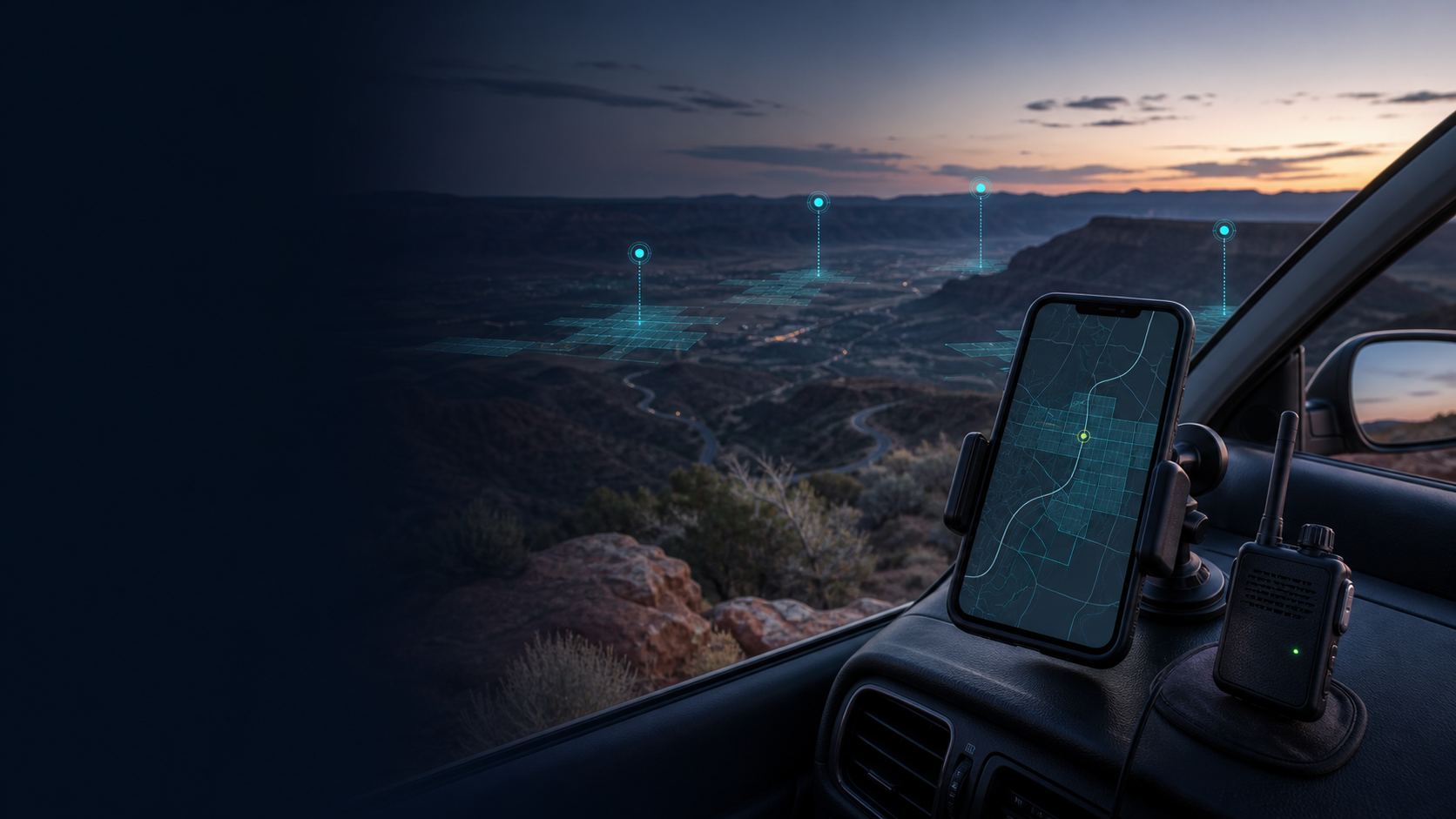
FreqMapper is a community map for measured Meshtastic coverage. It is for the people who look at a trailhead, back road, neighborhood, or valley and wonder: would the mesh make it from here? A result becomes coverage evidence only after an approved MQTT Watcher reports a controlled mapping packet or normal mesh Position Packet received over RF.
What FreqMapper does
With the FreqMapper app on iPhone or Android, a mapper connects a Meshtastic radio, starts a trip, and lets the phone record its own GPS position. The app sends low-rate, tagged tests on the shared wardriving channel. If an approved Watcher independently reports the same packet, FreqMapper can place a verified result on the map.
That keeps the map useful for real-world planning without treating an unobserved coordinate as coverage. Controlled mapping tests and normal mesh traffic retain separate evidence records even when they use the same public signal-quality colors.
Important
A normal Position Packet creates Position Packet coverage only when an approved Watcher actually receives it over RF. It does not create mapper credit. A relayed packet proves mesh delivery, while its RSSI/SNR describes only the final hop into the Watcher.
Start here
New regions are not open for self-service sign-up yet. Ask the FreqMapper community or your regional team for a current enrollment code. The guided path is the same on iPhone and Android:
Get the app
- iPhone / iOS: Join the FreqMapper TestFlight beta.
-
Android: First join the FreqMapper beta testers Google Group with the same Google account you use in Google Play. Then accept the FreqMapper closed test on Google Play and install the app.
-
Join a mapping region with a code from the FreqMapper community or your regional team.
- Set up the app: connect your radio, allow location access, and prepare the shared channel.
- Take your first mapping trip after the radio and shared wardriving channel are ready.
- Learn about using the public map, including coverage colors, receipt details, Watchers, and map controls.
- Keep Mobile app settings nearby when you want to change test pacing, map appearance, profile linking, offline uploads, privacy, or support options.
Looking for a region?
A public region directory is available on the map, but self-service regional sign-up is not. Enrollment codes can expire or be revoked. If you would like to help establish a new area, read Start a FreqMapper region.
Other useful guides
- I want to map or connect an existing local MQTT Watcher: read Help grow the map.
- I help administer a local mesh: read How FreqMapper works for mesh administrators.
- I want to understand the shared map: read Using the public map.
- I want to manage my account, apps, radios, or leaderboard name: read Website profile and account settings.
- Something is not working: use Troubleshooting or Frequently asked questions.
Browse all help
The menu button opens one complete help tree on phones and tablets. Nothing is kept in a separate header-only menu.
| I want to… | Start here |
|---|---|
| Learn every app tab | Using the mobile app |
| Understand every app setting | Mobile app settings |
| Read the public map | Using the public map |
| Understand scores and rankings | Leaderboards and contribution totals |
| Manage my profile or linked phones | Website profile and account settings |
| Set up or operate a region | Regional administration |
| Understand the evidence flow | How FreqMapper works |
| Find an answer or report a problem | Support |
The one rule that matters
A coverage cell is verified only when all three things line up:
- The mapper's phone supplied the location for a tagged mapping test.
- The packet has a matching identity and timestamp from that test.
- An approved feeder independently uploaded a receipt from the same region.
Several independent feeder receipts can increase confidence. The lines and receipt lists show who reported hearing the test; they do not prove the exact over-the-air route through a Meshtastic mesh.
A few useful expectations
- The app's map shows your own current session's route, sent-test dots, and verified cells. It does not turn someone else's trip into your live route.
- The public map is the shared regional snapshot. It refreshes with verified TX coverage and privacy-filtered aggregate RX cells from everyone.
- Watchers can be useful even without a map position. They can verify a test; they simply cannot be shown with an eye icon on the map until the system has their own position.
Last updated: 2026-09-24